
Bento Presentation Grid System for InDesign
Portrait
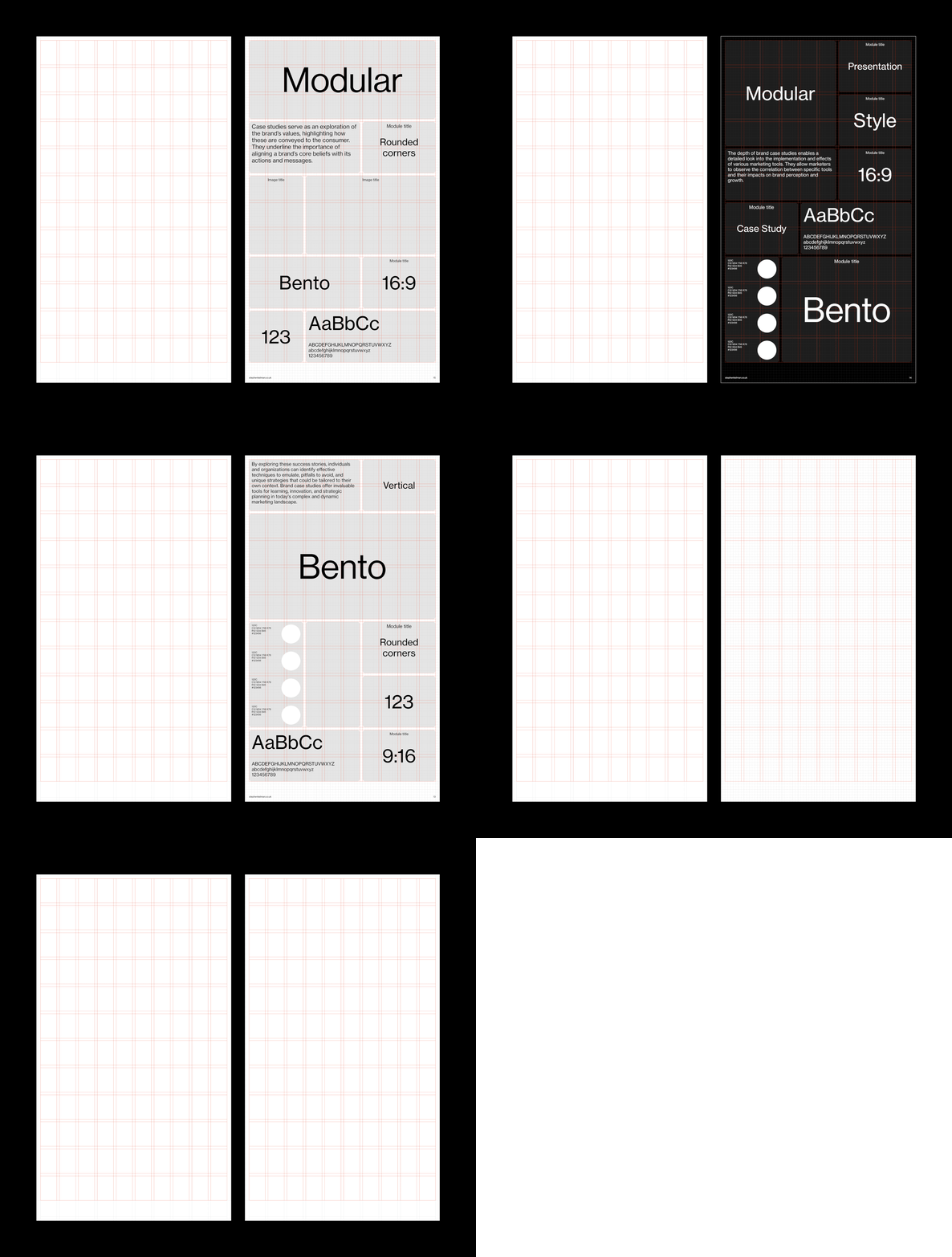
Features
— 16:9 format (portrait)
— 120 field modular grid
— Document grid
— Comprehensive style sheets
— Proportional leading
— Sample layouts


Portrait-format 9:16 bento style grid system template for Adobe InDesign. Perfect for screen-based brand and logo presentations on vertical 4K displays and digital signage. Includes fully editable typography style sheets for quick customisation. Use as a starting point for your design project or as creative inspiration for clean, modern layouts.


Questions
What is a bento grid?
A bento grid divides a layout into compartments of different sizes – like a Japanese bento box – so each piece of content sits neatly in its own field.
How is a bento grid different from a standard modular grid?
Structurally they’re similar – this template is built on a 120-field modular grid. The difference is how they look: a classic modular grid has a hidden structure, with images and text aligned to it, while a bento layout draws the compartments as visible tiles with even gutters between them.
What is a bento grid used for?
Mostly presentations, dashboards and feature overviews – anywhere you need many small, unequal pieces of content to read as one organised composition. This one is in a 16:9 portrait format – so it’s particularly suitable for large-format digital displays in museums and exhibitions.